
Journal · Comparisons & Stack
Why your Shopify return portal doesn’t reconcile your books (and what happens after the label is scanned)
Your return portal is built to convert refunds into exchanges and print shipping labels. Once it hands the order back to Shopify, four financial gaps can still cost you money.
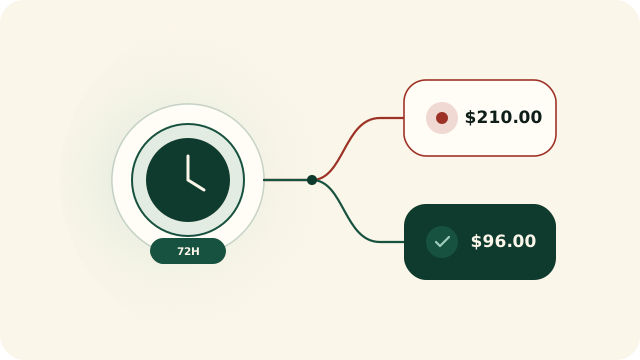
At a glance · Customer Return Portals (Loop, ReturnGO, AfterShip)
- Return portals optimize shopper UX (labels, exchange incentives, instant credit), not back-office financial reconciliation.
- When a portal triggers an instant refund before shipment or closes a return at the warehouse, it does not verify whether the payment gateway settled or whether physical stock returned to Shopify.
- Return Owl extends your portal by classifying valid exchanges, store credit, and instant refunds as EXPECTED while surfacing the real unrefunded and unrestocked money leaks.
Customer experience vs. financial truth: two different jobs
If you run an apparel or consumer brand on Shopify, a return portal is one of the first apps you install. Shoppers enter their order number, pick a return reason, choose a size exchange or store credit, and print a carrier label. For customer retention, a portal is indispensable.
Where merchants get burned is assuming that because they have a return portal, their returns and refunds are reconciled. A portal is a front-end workflow actuator: it fires an API call to create a return, issue store credit, or request a refund, and marks its own dashboard complete. What happens inside Shopify’s payment transactions, line-item math, and warehouse inventory afterward is outside the portal’s scope.
Gap 1: Silent gateway declines
The portal requests a refund when the carrier scans the box, but the buyer’s card or processor rejects the transaction. The RMA says “Resolved”; the customer has $0.
Gap 2: Instant-refund abandonment
VIP shoppers receive an instant refund or refund-before-receipt, or support refunds a ticket manually, and the return processing in the warehouse never completes.
Gap 3: Un-restocked warehouse receipts
The refund fires automatically on carrier delivery, but the 3PL never restocks the shippable line in Shopify — leaving sellable stock off your storefront.
How Return Owl filters portal noise and isolates real money owed
Why portal analytics and Shopify reports disagree every month
If you have ever compared your return portal’s “Retained Revenue” dashboard against your Shopify Finance summary, you know the numbers rarely match. Portals count initiated RMAs and gross exchange incentives; bookkeepers care about settled refunds in the shop currency, prorated line discounts, and physical inventory recovery.
| Stage of return | What your Return Portal does | What Return Owl verifies in Shopify |
|---|---|---|
| Shopper requests exchange or store credit | Creates exchange lines or issues store credit instead of a card refund | Detects positive evidence (EXCHANGE or STORE_CREDIT), keeps it out of the exception queue, and logs it in the Expected total for your accountant |
| Shopper requests original-payment refund | Marks return processed when the warehouse receives the item | Waits 72 hours after return closure; if refundable value remains unpaid, opens a high-severity NEEDS_ATTENTION case |
| Refund amount calculation | Applies portal rules, restocking fees, or multi-item bundle logic | Compares prorated order-line value against actual successful refunds to catch accidental over-refunds or unrecorded discrepancies |
| Physical inventory return | Hands off to 3PL / WMS once the parcel arrives | Verifies that shippable lines with restock type RETURN actually recorded a restock once refunded |
The win-win setup for high-return brands
You do not need to change a single setting in your return portal to use Return Owl. Connect Return Owl under read-only scopes, run the free 60-day audit, and see within minutes how many portal-processed returns still have failed gateway refunds, unpaid balances after 72 hours, or un-restocked inventory sitting on the dock.